2D Butterflies using the unity particle system
The unity particle system is a godsent! It can be easily used to create a variety of different effects. In this tutorial Ill go through how to make butterflies using the texture animation.
You can see this effect in my game Super Eyebrow princess.
Just discovered texture sheet animations for particles in unity. Also, I'm spending too much time on this. Maybe I should shelf this game and just make a game about butterflies.#screenshotsaturday #indiedev #indiegamedev #gamedev #pixelart #madewithunity #ドット #ゲーム制作 pic.twitter.com/5vIqCuSO5D
— Ashar makes games (@AzCHIT) January 23, 2021
Lets start the tutorial
To start off, you'll need the butterfly sprites. I made mine in Aseprite.
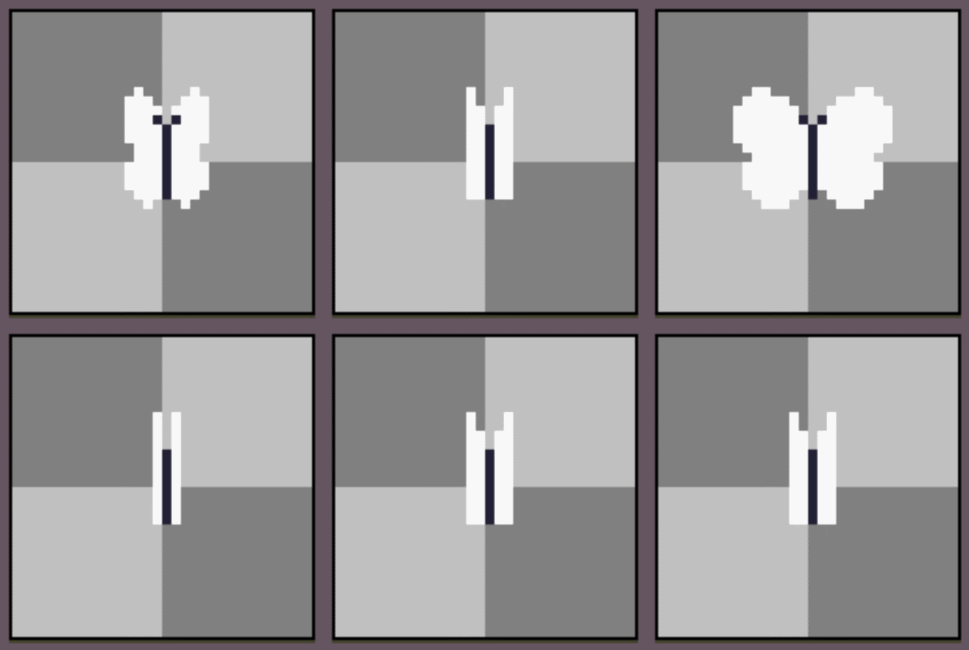
Export it as a spritesheet.
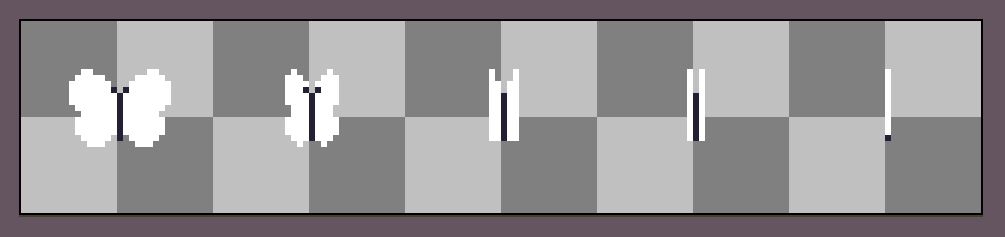
If youre too lazy you can us mine. Just download this.

Now open up a unity project and import the spritesheet.
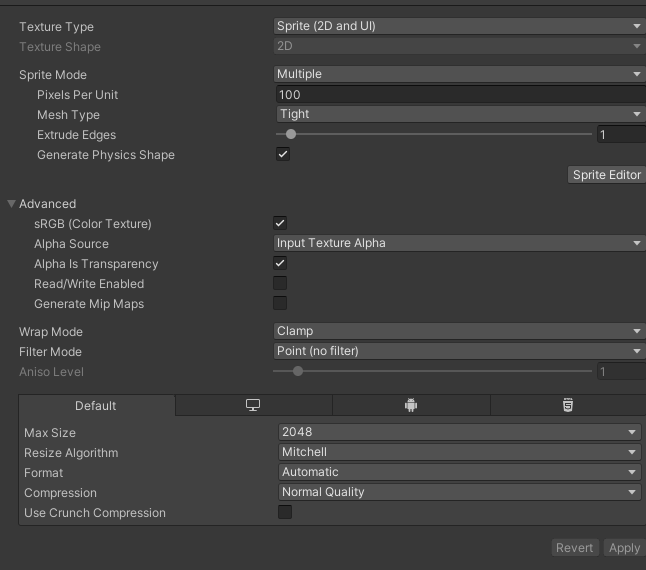
To get the sprites ready to use click on the spritesheet.
Change spritemode to multiple and filter mode to point. Click apply.
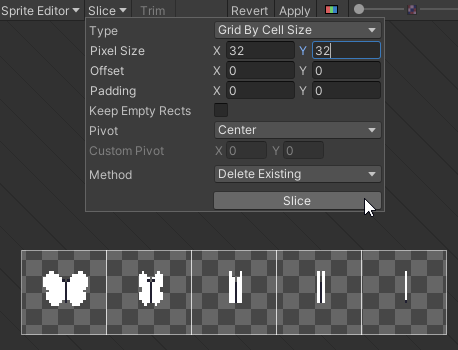
Now click on the sprite editor button.
Then slice the sprite sheet using the grid by cell size (32 by 32 pixels in my case). Click apply.
Click apply. Now the individual sprites are ready to be applied to the particle system
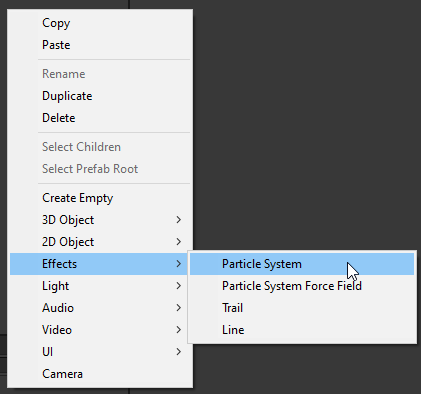
Open up your scene and create a new particle system.
This is what the effect looks like.

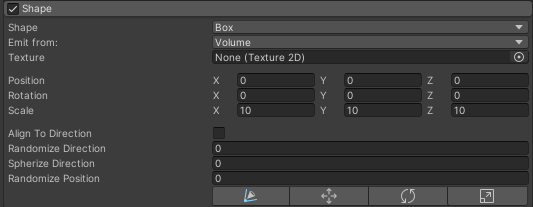
Change the shape to a box and increase the scale to x = 10, y = 10, z = 10
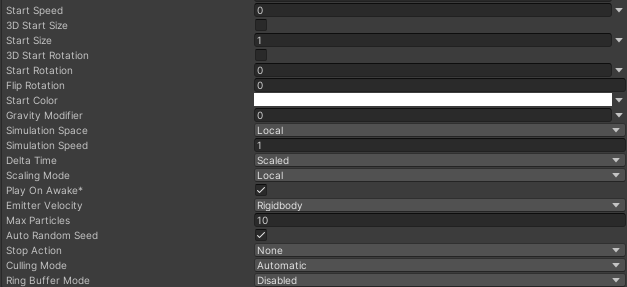
Change Max particles to 10
Change Start speed to 0
The particles will now look like this.

Lets finally make the particles look like butterflies.
We do this using the particle systems texture sheet animation
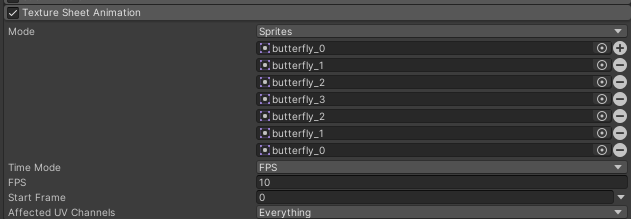
Check mark the texture sheet animation.
Change mode to sprites
Add all the butterfly sprites from the sheet in the correct order so they play from the first frame to the last and then back to the first.
Change time mode to FPS.
And make FPS to around 10-15.
You can now see butterflies instead of the white particles.
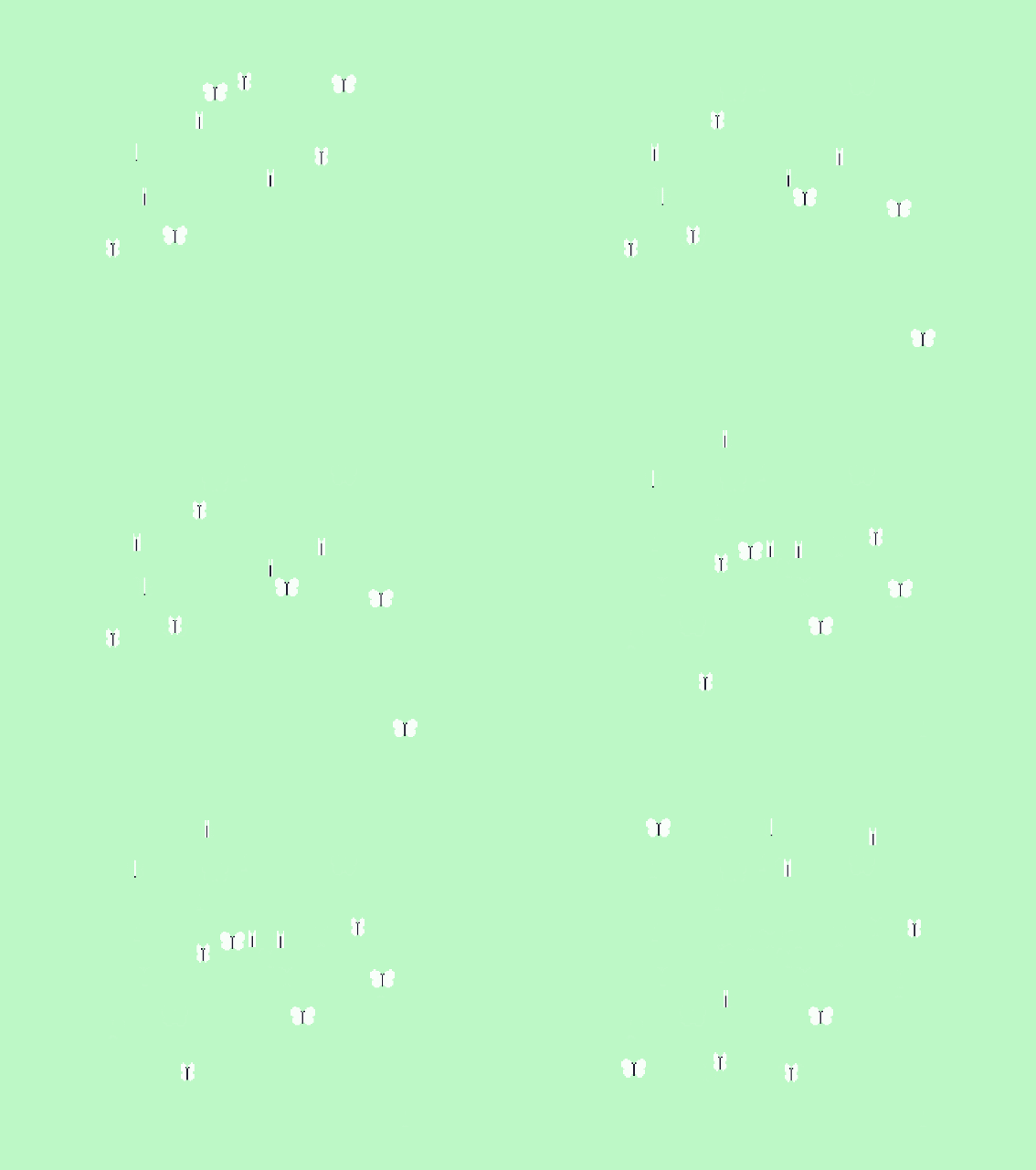
To make them move around, check mark noise from the particle system

Now the effect finally looks a bit natural.
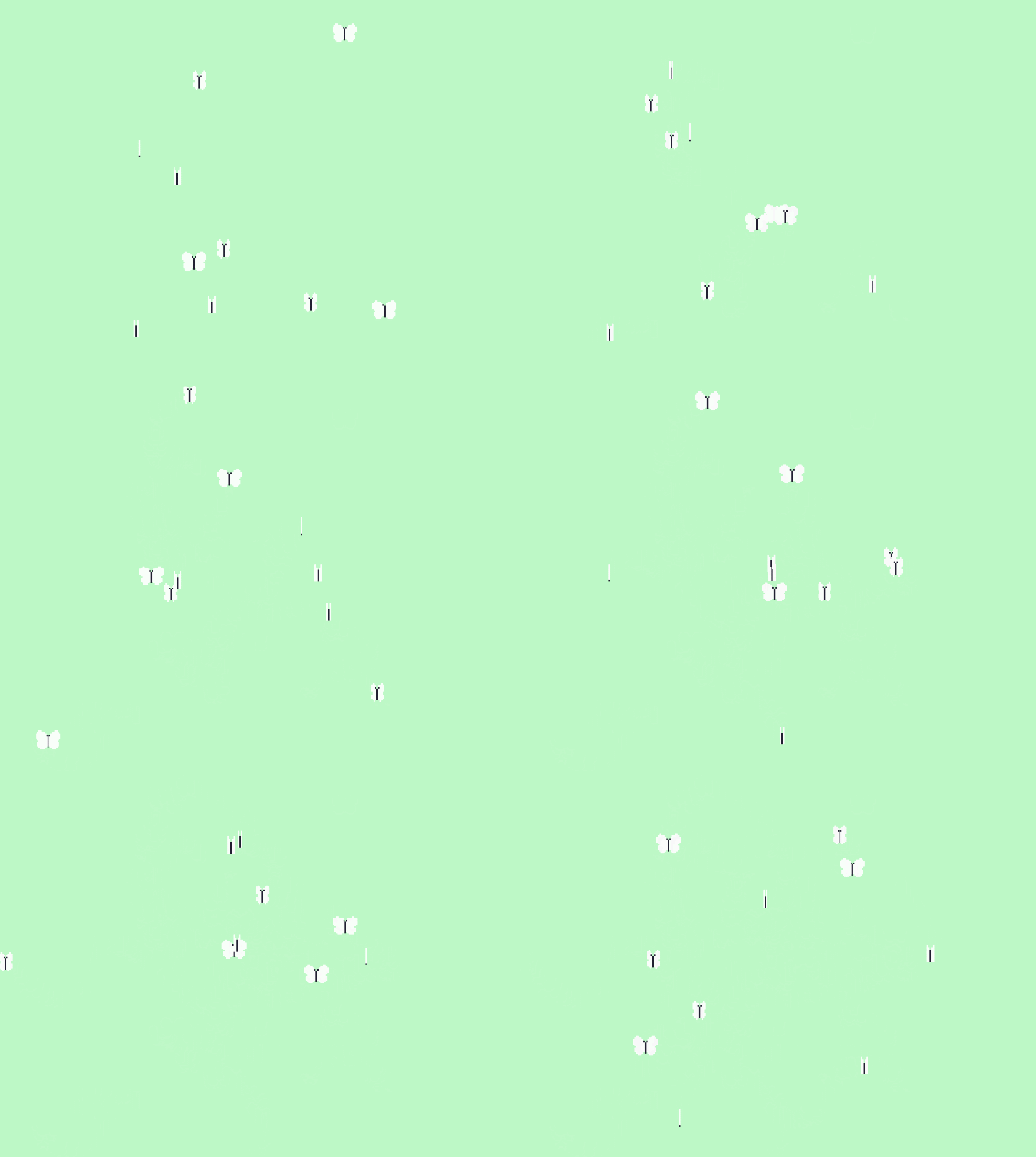
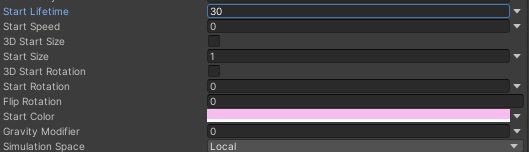
The effect is mostly done. But you should increase the lifetime to a larger number and add some color to the butterflies by changing the start color.
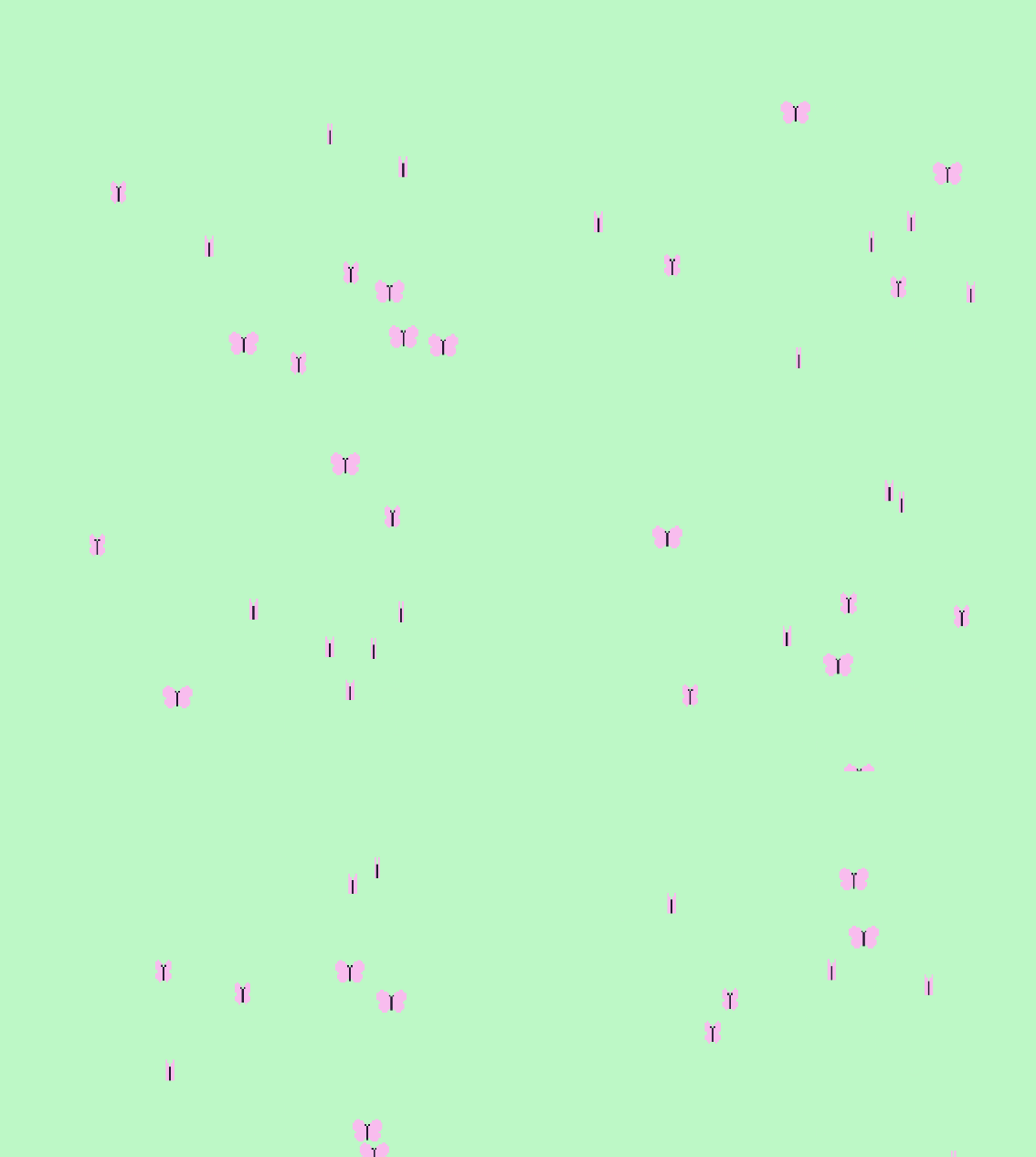
Also by turning on the collision, the butterflies will interact with the objects in its surroundings.
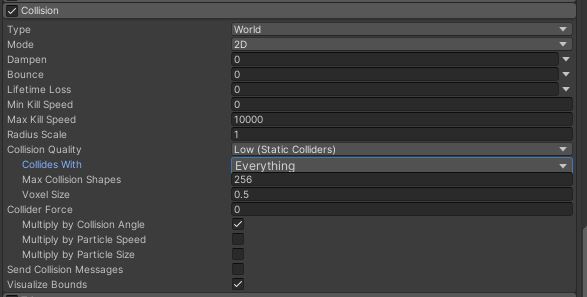
So The princess can interact with the butterflies in my game. This makes the effect feel much more real than just uninterctable background stuff.
You can also annoy the butterflies. 🦋#indiedev #indiegamedev #gamedevelopment #gamedev #pixelart #madewithunity #ドット #ゲーム制作 pic.twitter.com/N8fTDCK6vz
— Ashar makes games (@AzCHIT) January 22, 2021